When selecting RT in the picker, there is an option to "Force this track to MIDI"... 2 questions for seasoned users please.
1) If RT is already selected in mixer is there a simple way to disable RT replacing it with MIDI chart of that track (without going to picker again and re-selecting track)?
2) If #1 is possible, is there a way to toggle between RT / MIDI without going into picker?
I remember having a difficult time quite a few years ago changing a track from RealTrack to MIDI. Since the addition of Utility Tracks, I haven’t needed to do that.
BIAB 2026 Win Audiophile. Software: Fender Studio One 8, Swam horns, Acoustica-7, Notion 6, Song Master Pro, Win 11 Home. Hardware: Intel i9, 32 Gb; Presonus Quantom HD8 & Faderport 8, Royer 121, Adam Sub8 & Neumann 120 monitors.
When selecting RT in the picker, there is an option to "Force this track to MIDI"... 2 questions for seasoned users please.
1) If RT is already selected in mixer is there a simple way to disable RT replacing it with MIDI chart of that track (without going to picker again and re-selecting track)?
2) If #1 is possible, is there a way to toggle between RT / MIDI without going into picker?
Thank you in advance!
Not to my knowledge for both.
Changing from RT to MIDI has always been a PITA and a gamble. Sometimes I get a different patch name than what is playing. I just had organ named in the track name and being played while in the patch name was nylon string guitar!
I try to avoid going from RT to MIDI. YMMV
Last edited by MarioD; 08/21/2309:01 AM.
Forbidden fruit causes many jams!
64 bit Win 10 Pro, the latest BiaB/RB, Roland Octa-Capture audio interface, a ton of software/hardware
At times I just don't like the tone/sound of RT but like the "played" part of it, and to re-voice it with 3rd party synth is a bit of a hustle. Doable, but clunky. If RT has MIDI counterpart, it is always exports it when project's MIDI file is saved. There should be an easy way to kill existing RT, leaving just MIDI while inside of BIAB. Better be able to toggle between the two. I guess wishlist request.
P.S. Mario out of all people here, I thought you would be the one to actually use the most "Force this track to MIDI"
Select all notes and convert to playable, zoom out and create a mute section at the start then drag it all the way over all notes, it needs an auto horizontal scroll to draw the green mute section. You can cut/paste the green mute note to play audio or midi. Or just copy the midi to another track. It needs a better way to do this, there needs to be an option in the drop down list to mute audio and play all midi notes.
Musocity, thanks. Yes, the "copy the midi to another track." that is what I been tinkering with, and I agree on "It needs a better way".
P.S. Muting audio is not the best option, as it will silently redraw RT each change/regen. Some sort of one click combination Freeze+Mute audio should solve it. Toggling back, could regenerate RT to accept all new changes on next playback.
I know this isn’t what you want but if I need MIDI notation from RealTracks, I export the song as Music XML, load that into my notation program, and then use the rest of the BIAB backing as an audio file I can load into my notation program.
BIAB 2026 Win Audiophile. Software: Fender Studio One 8, Swam horns, Acoustica-7, Notion 6, Song Master Pro, Win 11 Home. Hardware: Intel i9, 32 Gb; Presonus Quantom HD8 & Faderport 8, Royer 121, Adam Sub8 & Neumann 120 monitors.
When selecting RT in the picker, there is an option to "Force this track to MIDI"... 2 questions for seasoned users please.
1) If RT is already selected in mixer is there a simple way to disable RT replacing it with MIDI chart of that track (without going to picker again and re-selecting track)?
2) If #1 is possible, is there a way to toggle between RT / MIDI without going into picker?
Thank you in advance!
1) Yes, if I'm understanding your question correctly. You can disable (erase) the RealTrack on a mixer track and retain the underlying midi data. The track will default to a midi instrument and the notation remains the same.
Since you have the video, maybe post it in Tips & Tricks. With some pretty advanced synths out there people might want to take advantage of this maneuver.
For example, when I do a sketch in BIAB, I want to hear parts that I will use later in DAW together with tracks from BIAB, including constant changes when creating arrangement. Not jumping from BIAB to DAW back and forth. So I use 3rd party synths in BIAB to find the sound I am after and save it in VST preset and later open that preset in DAW. ---------------------
Now that we know it is possible, I think it's a good idea to request simplification of the process
"I though you wanted to keep the Audio and just toggle between them "
Ideally yes. But that might require deep re-programming logic. Unless the data in midi has info to fully reconstruct RT from scratch. Your idea of muting RT and replacing with MIDI is interesting, but again, I think it will require deep code & logic change as RT tracks would need a place holder for custom and/or default synth when switched to MIDI and wise versa.
What Charlie showed works for me as alternative, I just think these functions could be better integrated. Simple toggle at Track Settings or such, without extra menus/pop up questions.
Tracks are limited and would require RT freezing to keep it from generating. MIDI data is already present. Following the path of least resistance, as advanced workflow would likely not be considered for this specific item by PG team, I believe requesting a simple (simpler) togle switch to replace scattered menus is reasonable.
P.S. I do use a lot of tracks when making tunes in BIAB.
This is what makes me so frustrated with BiaB. If you don't go to the notation screen first and select that delete option it will delete the entire RT track, including the MIDI. Why not have one delete option with save or delete the MIDI?
{edit} I forgot to thank Charlie so thanx Charlie.
Last edited by MarioD; 08/22/2303:29 AM.
Forbidden fruit causes many jams!
64 bit Win 10 Pro, the latest BiaB/RB, Roland Octa-Capture audio interface, a ton of software/hardware
2) If #1 is possible, is there a way to toggle between RT / MIDI without going into picker?
I though you wanted to keep the Audio and just toggle between them ?
The midi data will be retained by freezing the track you generated. To toggle between RealTrack and midi instrument, the midi is still there so reverting back to the RealTrack from the midi instrument the original notation is retained. This results in the user being able to toggle between the RealTrack and the midi instruments and each will play the same notation.
The user can decide whether to keep the same notation for all instruments, RealTrack or midi or not freeze the track and get new notation (midi data). Changing to another RealTrack plays the original RT sound. Midi patches can be changed.
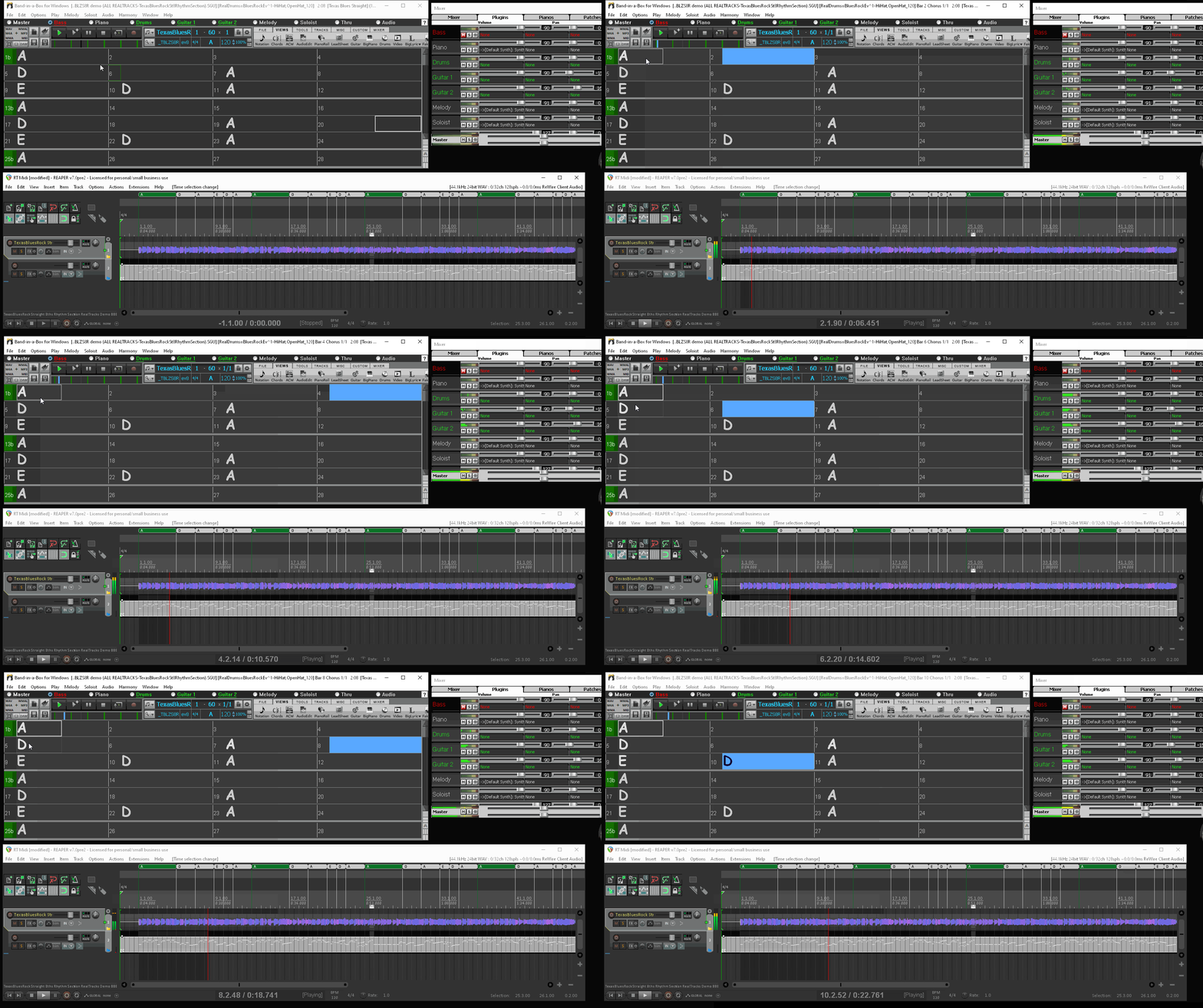
This is how it works for me if I'm understanding what you're wanting. I can do a quick video if necessary but freezing the track with whatever midi the user wants retains whatever that midi data is at the time the track is frozen.
I'm glad this is working for some of you. I appreciate your thanks.
Band-in-a-Box® 2025 for Mac® users: Build 904 now available!
If you're already using Band-in-a-Box® 2025 for Mac®, make sure to grab the latest update! Build 904 is now available for download and includes the newest additions and enhancements from our team.
PowerTracks 2026 is here—bringing powerful new enhancements designed to make your production workflow faster, smoother, and more intuitive than ever.
The enhanced Mixer now shows Track Type and Instrument icons for instant track recognition, while a new grid option simplifies editing views. Non-floating windows adopt a modern title bar style, replacing the legacy blue bar.
The Master Volume is now applied at the end of the audio chain for consistent levels and full-signal master effects.
Tablature now includes a “Save bends when saving XML” option for improved compatibility with PG Music tools. Plus, you can instantly match all track heights with a simple Ctrl-release after resizing, and Add2 chords from MGU/SGU files are now fully supported... and more!
Get started today—first-time packages start at just $49.
Already using PowerTracks Pro Audio? Upgrade for as little as $29 and enjoy the latest improvements!
Band-in-a-Box 2026 for Windows Special Offers End Tomorrow (January 15th, 2026) at 11:59 PM PST!
Time really is running out! Save up to 50% on Band-in-a-Box® 2026 for Windows® upgrades and receive a FREE Bonus PAK—only when you order by 11:59 PM PST on Thursday, January 15, 2026!
We've added many major new features and new content in a redesigned Band-in-a-Box® 2026 for Windows®!
Version 2026 introduces a modernized GUI redesign across the program, with updated toolbars, refreshed windows, smoother workflows, and a new Dark Mode option. There’s also a new side toolbar for quicker access to commonly used windows, and the new Multi-View feature lets you arrange multiple windows as layered panels without overlap, making it easier to customize your workspace.
Another exciting new addition is the new AI-Notes feature, which can transcribe polyphonic audio into MIDI. You can view the results in notation or play them back as MIDI, and choose whether to process an entire track or focus on specific parts like drums, bass, guitars/piano, or vocals. There's over 100 new features in Band-in-a-Box® 2026 for Windows®.
There's an amazing collection of new content too, including 202 RealTracks, new RealStyles, MIDI SuperTracks, Instrumental Studies, “Songs with Vocals” Artist Performance Sets, Playable RealTracks Set 5, two RealDrums Stems sets, XPro Styles PAK 10, Xtra Styles PAK 21, and much more!
Upgrade your Band-in-a-Box for Windows to save up to 50% on most Band-in-a-Box® 2026 upgrade packages!
Plus, when you order your Band-in-a-Box® 2026 upgrade during our special, you'll receive a Free Bonus PAK of exciting new add-ons.
If you need any help deciding which package is the best option for you, just let us know. We are here to help!
Band-in-a-Box® 2026 for Windows® Special Offers Extended Until January 15, 2026!
Good news! You still have time to upgrade to the latest version of Band-in-a-Box® for Windows® and save. Our Band-in-a-Box® 2026 for Windows® special now runs through January 15, 2025!
We've packed Band-in-a-Box® 2026 with major new features, enhancements, and an incredible lineup of new content! The program now sports a sleek, modern GUI redesign across the entire interface, including updated toolbars, refreshed windows, smoother workflows, a new dark mode option, and more. The brand-new side toolbar provides quicker access to key windows, while the new Multi-View feature lets you arrange multiple windows as layered panels without overlap, creating a flexible, clutter-free workspace. We have an amazing new “AI-Notes” feature. This transcribes polyphonic audio into MIDI so you can view it in notation or play it back as MIDI. You can process an entire track (all pitched instruments and drums) or focus on individual parts like drums, bass, guitars/piano, or vocals. There's an amazing collection of new content too, including 202 RealTracks, new RealStyles, MIDI SuperTracks, Instrumental Studies, “Songs with Vocals” Artist Performance Sets, Playable RealTracks Set 5, two RealDrums Stems sets, XPro Styles PAK 10, Xtra Styles PAK 21, and much more!
There are over 100 new features in Band-in-a-Box® 2026 for Windows®.
When you order purchase Band-in-a-Box® 2026 before 11:59 PM PST on January 15th, you'll also receive a Free Bonus PAK packed with exciting new add-ons.
Upgrade to Band-in-a-Box® 2026 for Windows® today! Check out the Band-in-a-Box® packages page for all the purchase options available.
One of our representatives will be happy to help you over the phone. Our hours of operation are from
6:00AM to 6:00PM PST (GMT -8) Monday thru Friday, and 8:00AM to 4:00PM PST Saturday. We are closed Sunday. You can also send us your questions via email.
One of our representatives will be happy to help you on our Live Chat or by email. Our hours of operation are from
6:00AM to 6:00PM PST (GMT -8) Monday thru Friday; 8:00AM to 4:00PM PST (GMT -8) Saturday; Closed Sunday.








 Dansk
Dansk Deutsch - Windows
 Español
 Français - Windows
 Italiano - Windows
 Nederlands
 Polski
 Português
 Svenskt
 русский
 Japanese
 Simplified Chinese
 Traditional Chinese
 Korean